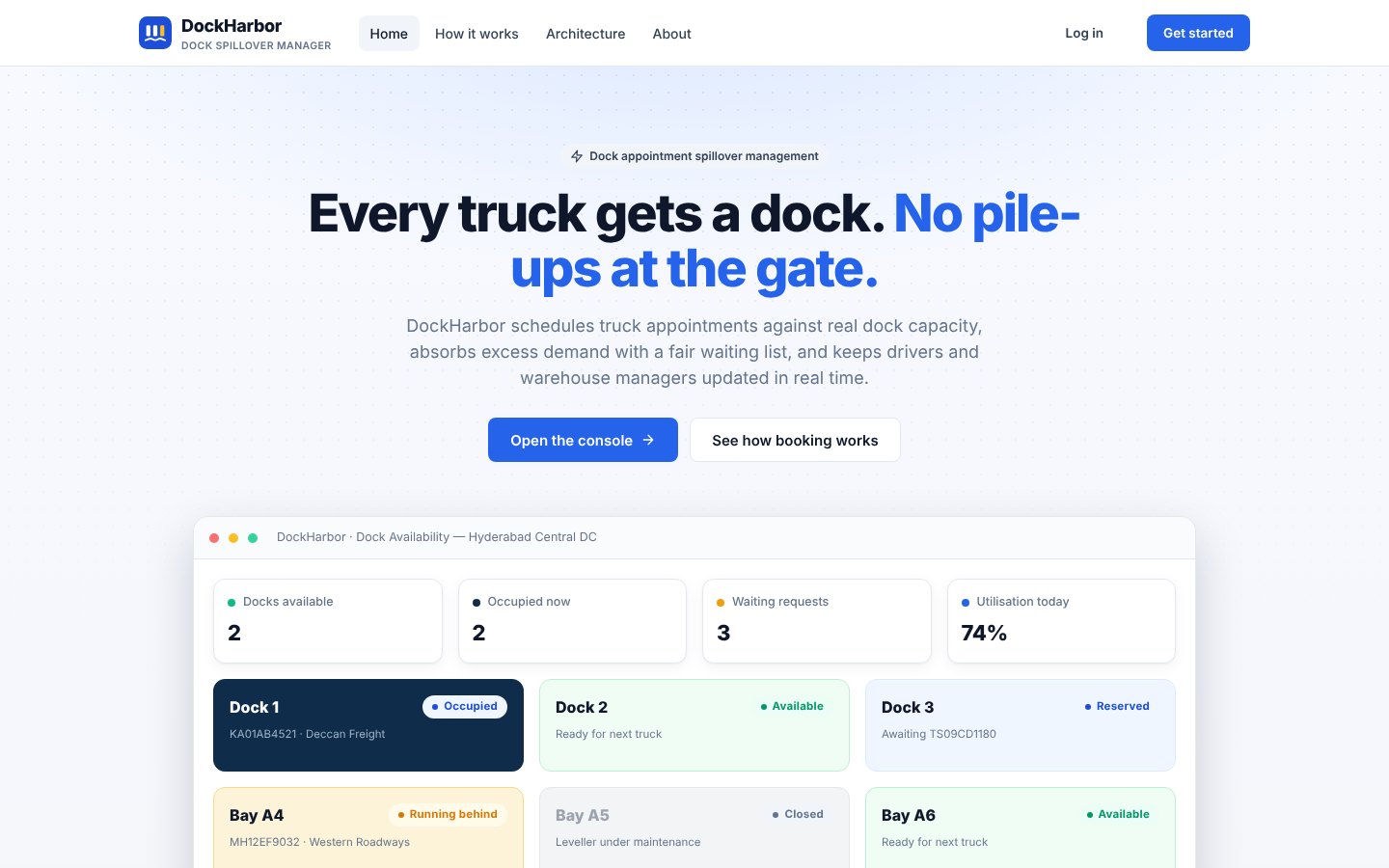
DockHarbor — Every Truck Gets a Dock
A microservices system for warehouses, distribution centres and freight terminals: book against real dock capacity, detect overlapping reservations, handle excess demand fairly and keep drivers and managers informed.
No Pile-Ups at the Gate
When more trucks arrive than docks can take, gates jam, drivers wait without information and managers juggle phone calls. DockHarbor schedules each appointment against the real capacity of every dock, and when a slot is full it does not simply refuse: it offers the earliest alternative slots or places the truck on a priority-aware waiting list.
When capacity frees up, through a cancellation, an early completion or the scheduled sweep, the first eligible waiting truck is promoted and notified automatically.
From Request to Resolution
Every booking goes through the same three algorithms in the Appointment Service.
1. Sign in
The User Service issues a JWT; the gateway validates it on every request.
2. Request
Truck, warehouse, date, window, load type, direction and dock preference.
3. Check capacity
Compatible docks are fetched and overlapping reservations counted under a lock.
4. Confirm or spill
Confirmed if capacity allows; otherwise alternatives or the waiting list.
5. Promote
Freed capacity confirms the first eligible waiting truck automatically.
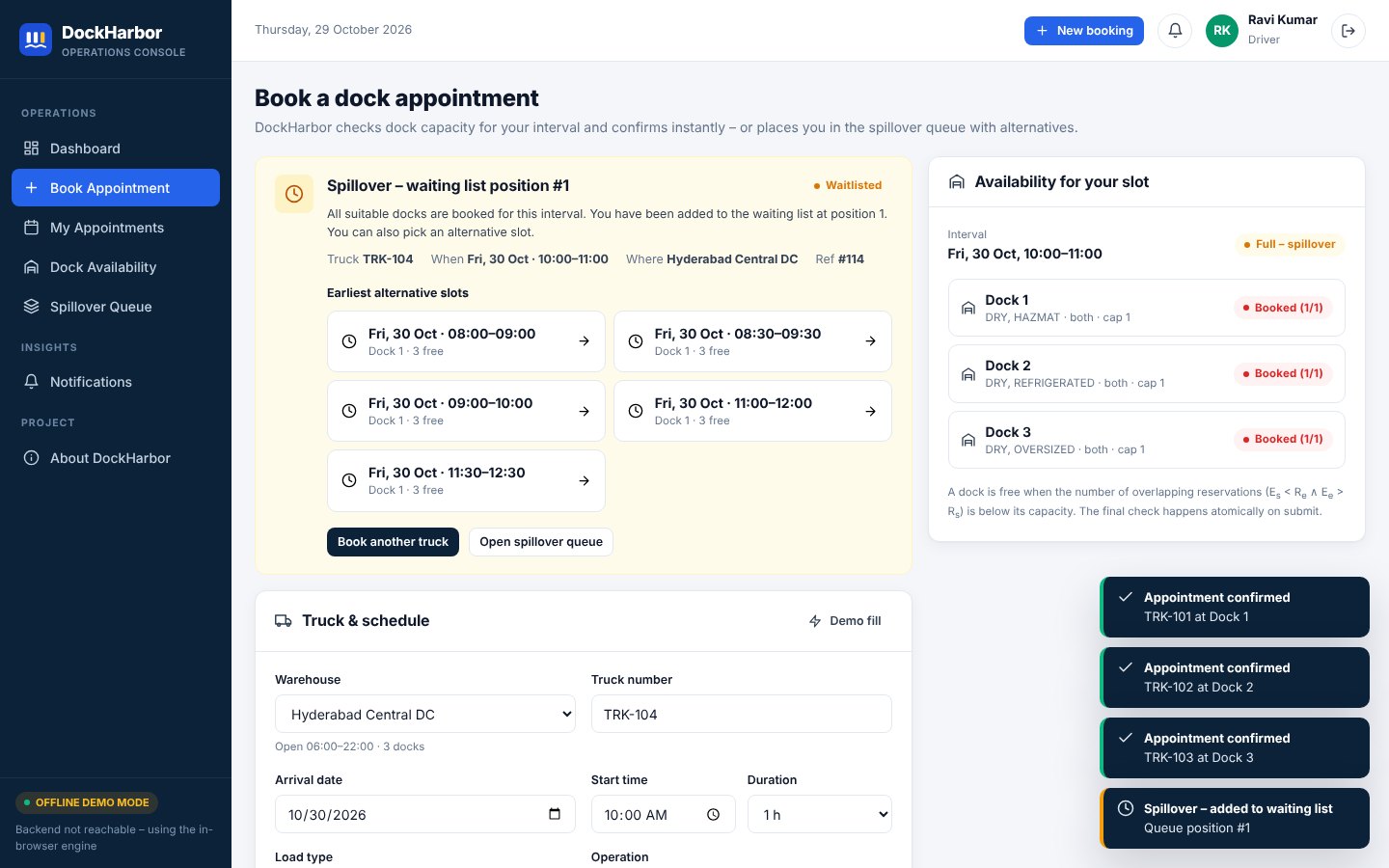
Spillover Instead of Refusal
If every compatible dock is busy, the driver immediately sees the earliest alternative slots on the warehouse grid, already filtered for operating hours, or joins the waiting list with a queue position. Capacity is checked again when an alternative is picked.
- Overlap rule: a reservation conflicts when it starts before the request ends and ends after it starts
- Capacity: a dock is free while overlapping reservations stay below its capacity
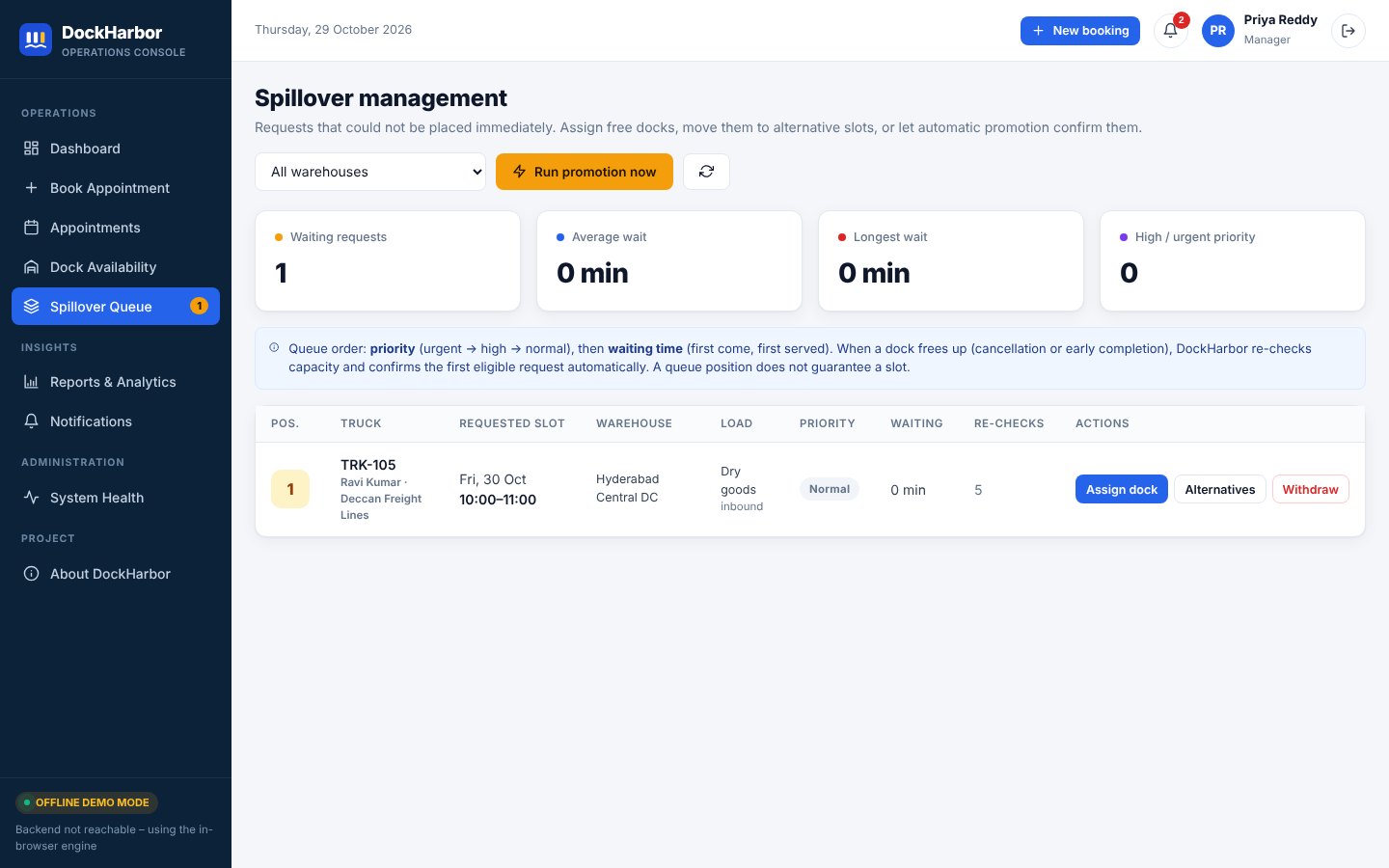
- Priority queue: urgent, high, then normal; first come, first served within a priority
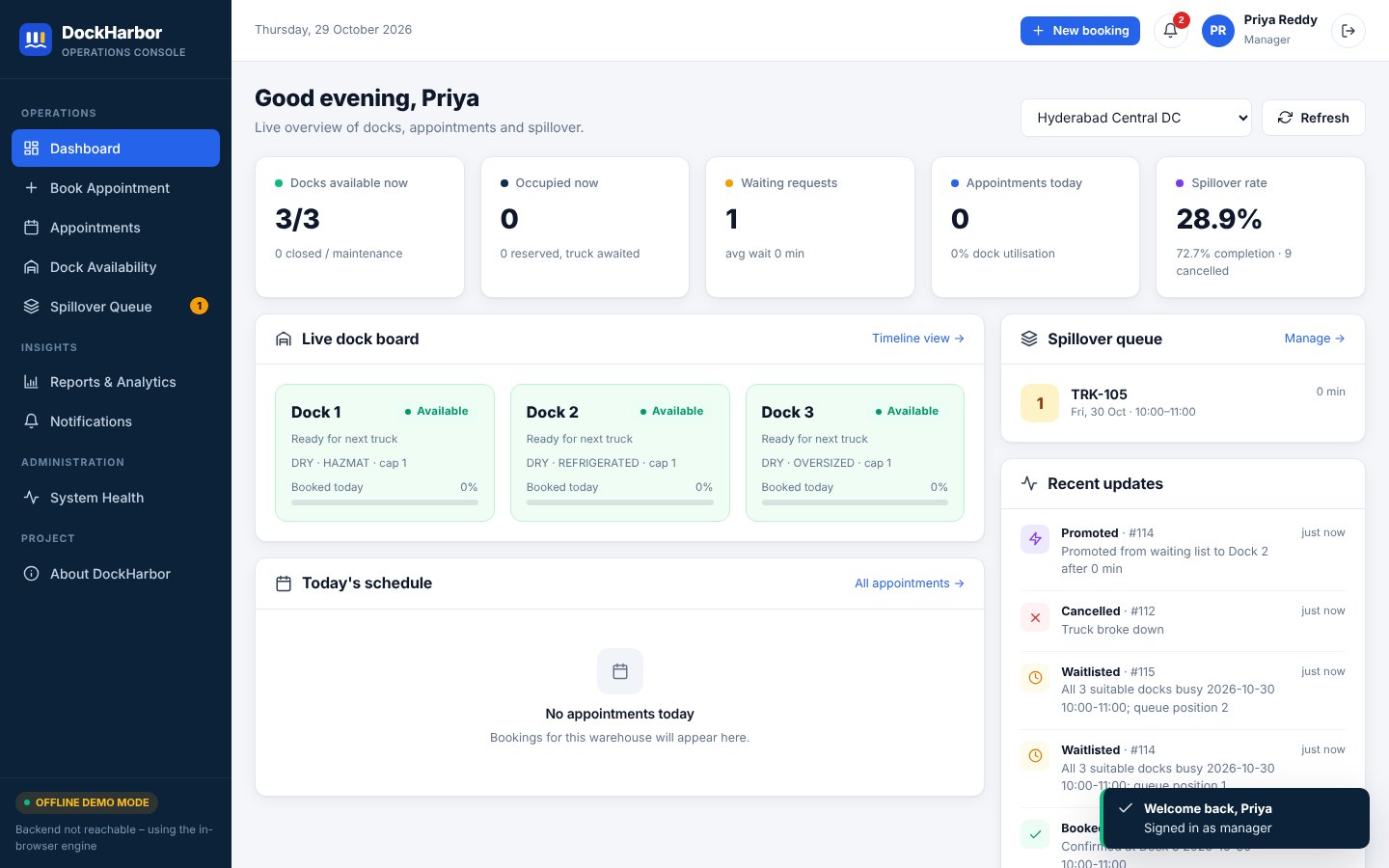
A Live Board for Managers
Dashboard
Docks free now, occupied, waiting requests, today’s appointments and spillover rate.
Dock Availability
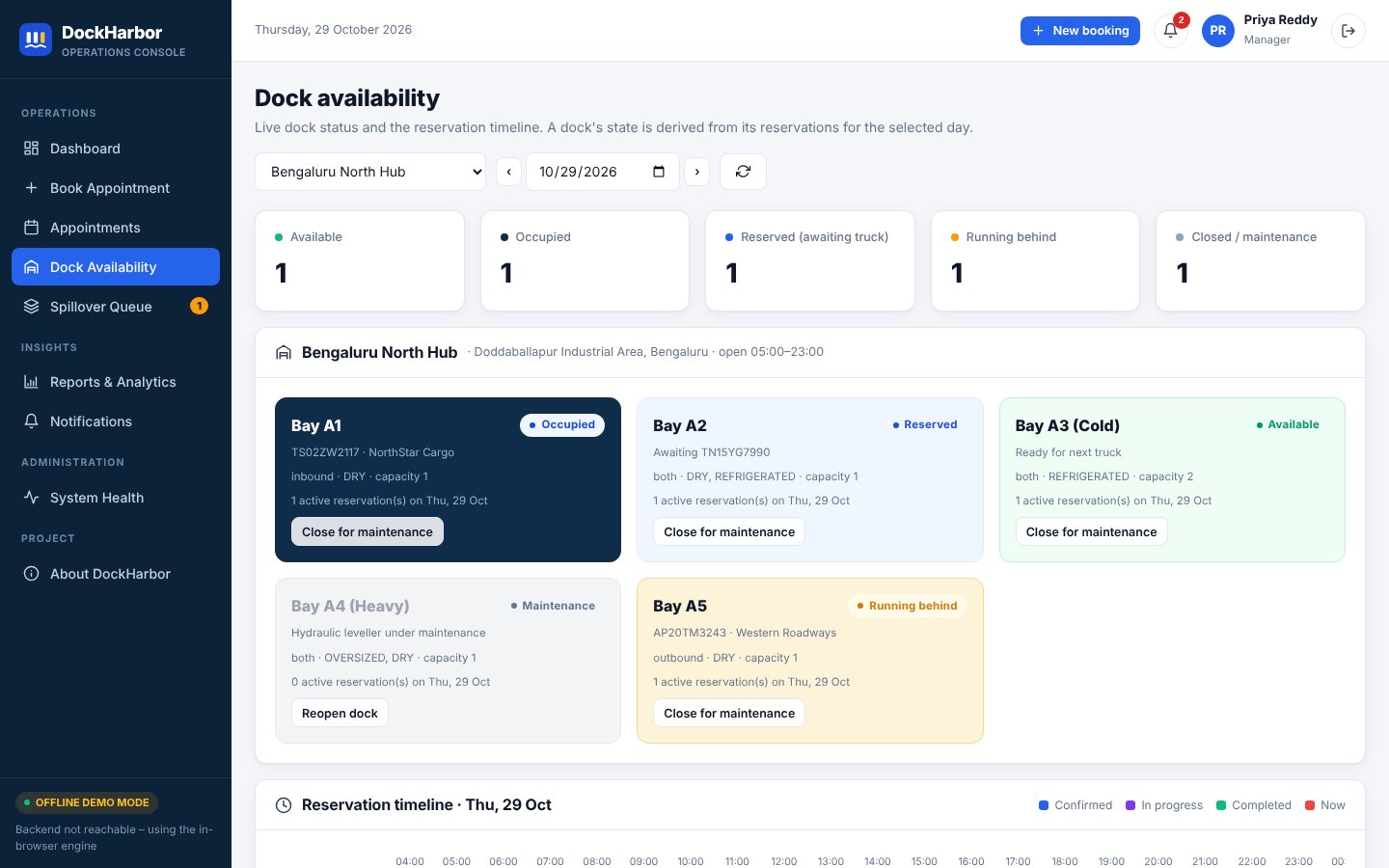
Dock board plus a reservation timeline for the selected day.
Spillover Queue
Assign a dock, offer alternatives, withdraw, or run promotion now.
Reports
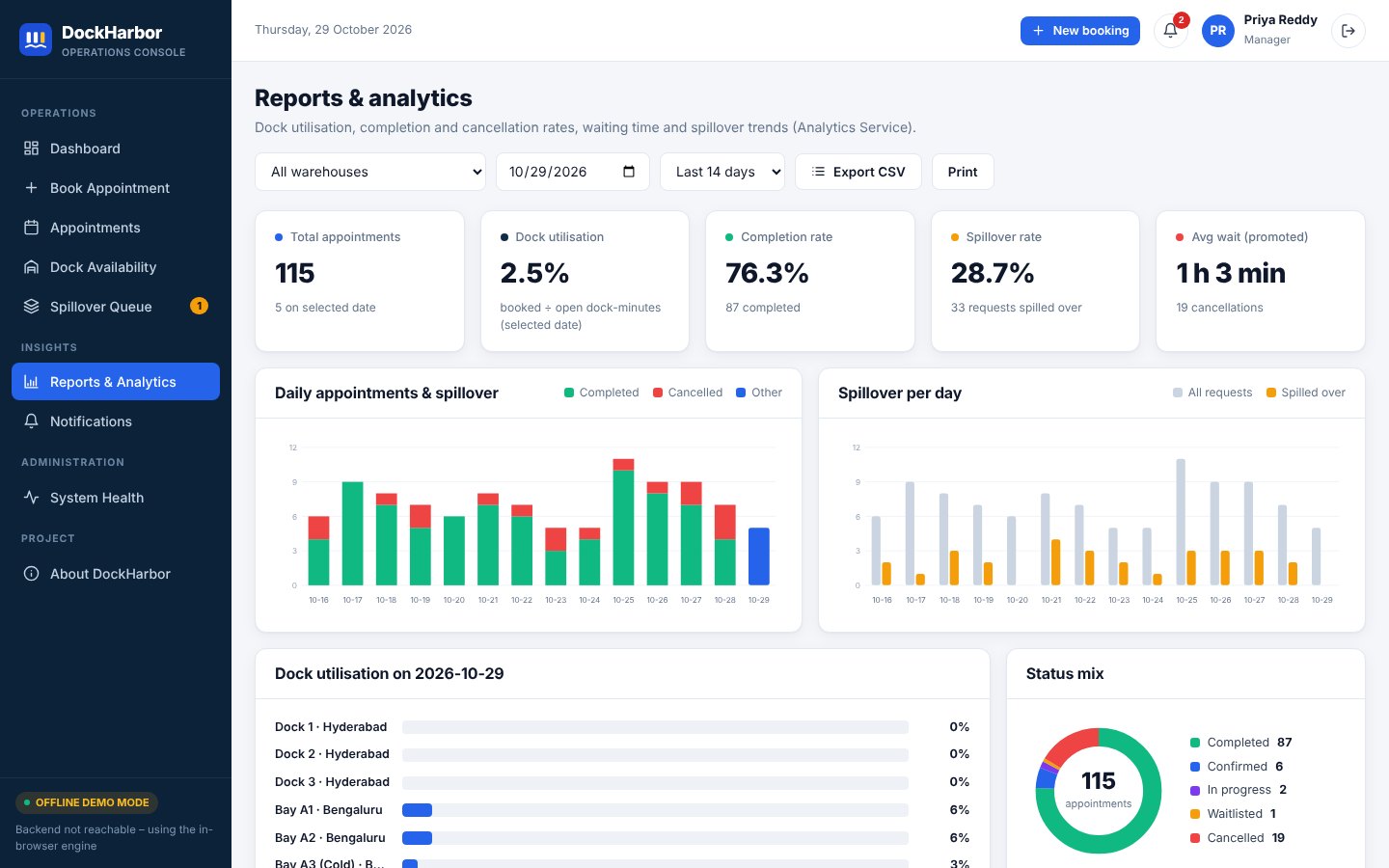
Utilisation, completion, cancellation, waiting time and spillover trends.
Inside the Operations Console
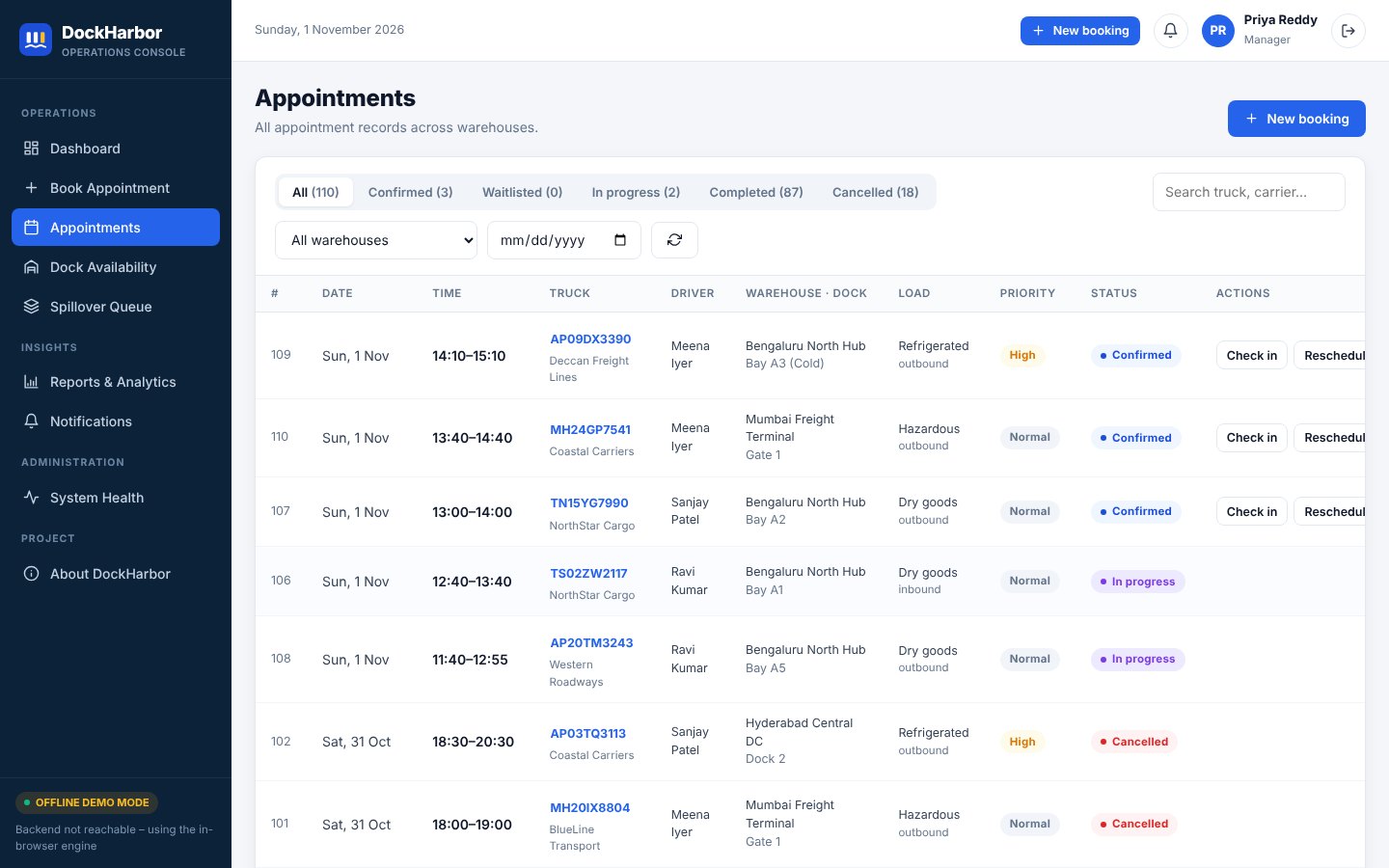
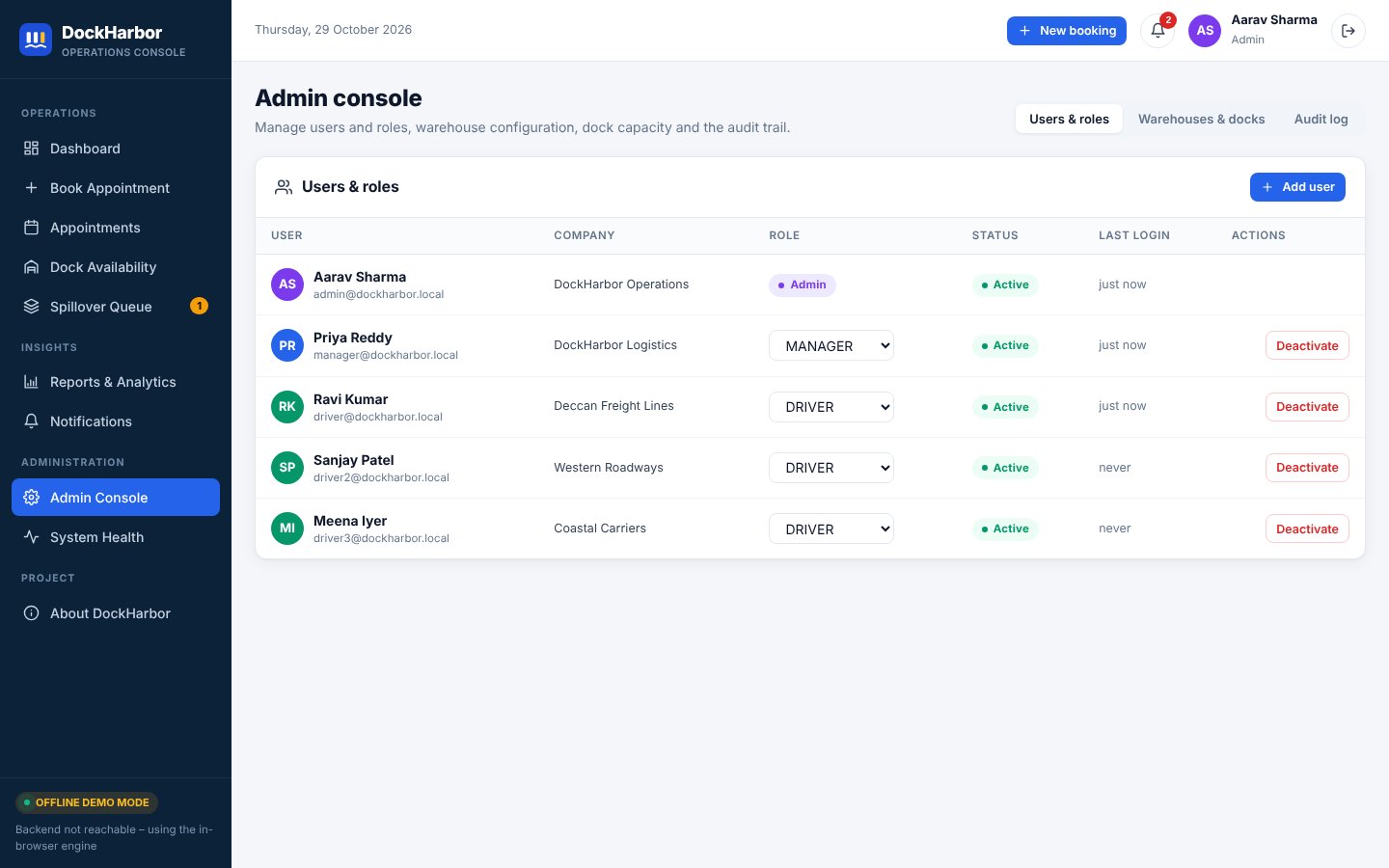
Docks, reports, appointments and administration in one console.
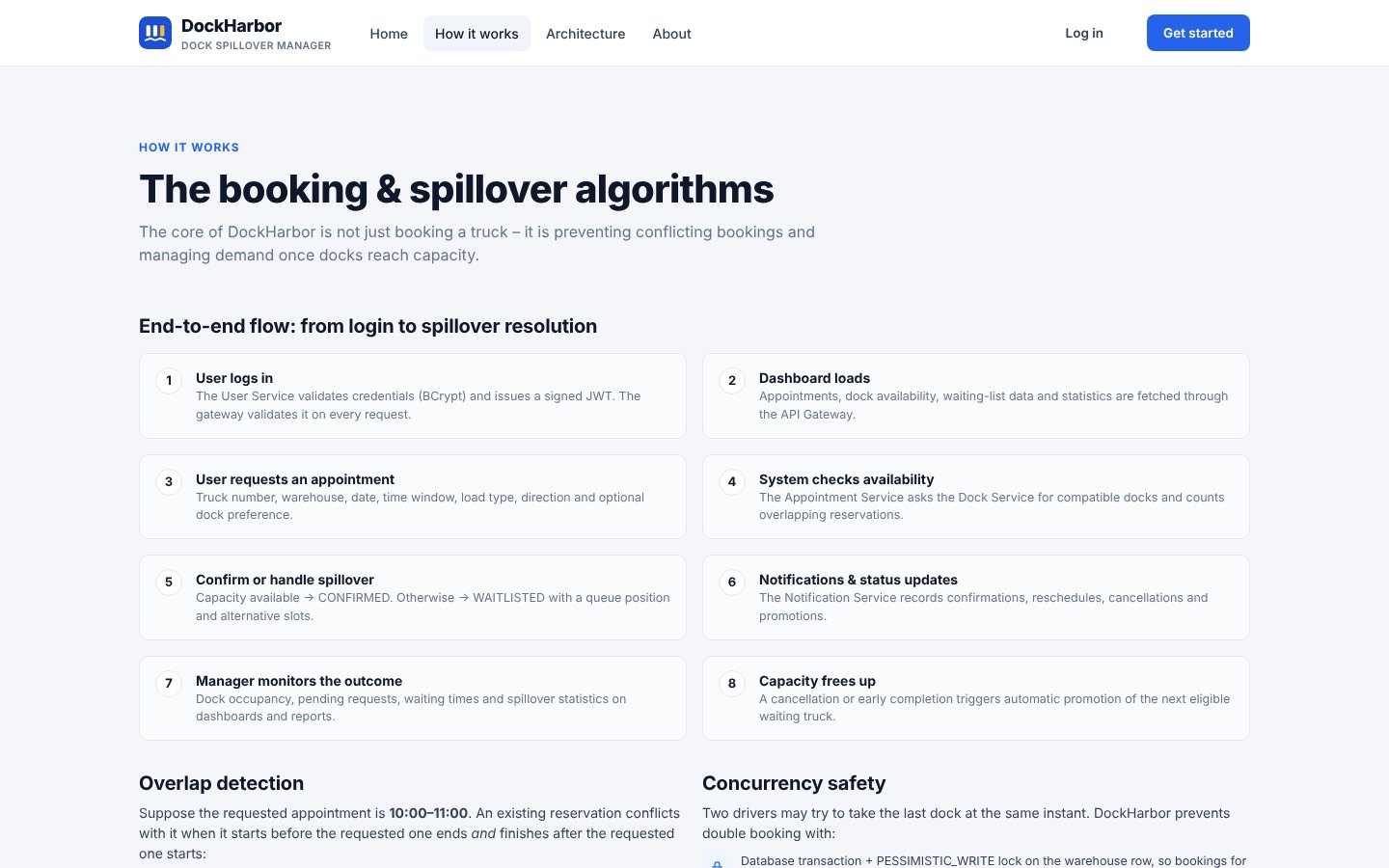
How Booking and Spillover Work
The public How it works page walks through the end-to-end flow, the overlap rule and the concurrency safeguards, with an interactive three-dock example.
Seven Services Behind One Gateway
| Service | Port | Responsibility |
|---|---|---|
| Discovery server | 8761 | Netflix Eureka registry |
| API gateway | 8080 | Spring Cloud Gateway with JWT validation and role rules |
| User service | 8081 | Authentication, BCrypt, JWT issuing, users and audit |
| Dock service | 8082 | Warehouses, docks, capacity and availability |
| Appointment service | 8083 | Booking, spillover queue and promotion |
| Notification service | 8084 | Booking and schedule alerts |
| Analytics service | 8085 | Utilisation and waiting-time reports |
Concurrency, Testing and Delivery
| Concurrency | Pessimistic warehouse lock, a re-check after locking and optimistic @Version locking. A test fires six simultaneous bookings for one dock and asserts exactly one is confirmed. |
|---|---|
| Tests | JUnit 5, Mockito and Spring Boot integration tests for the slot calculator, scheduling, authentication and gateway role rules; Postman collection for the API. |
| Delivery | GitHub Actions and Jenkins pipelines; Docker Compose with MySQL and optional Prometheus and Grafana monitoring. |
| Stack | Spring Boot 3.3, Spring Cloud 2023, Java 17, React 18 with Vite; embedded H2 by default, MySQL in Docker. |
Try It Yourself
Run the project live in your browser, or install the open-source build on your own machine.
Run it in your browser
The DockHarbor console runs here on its built-in demo engine, an in-browser implementation of the same booking, spillover and promotion algorithms. Sign in as admin, manager or driver with one click.
RUN DEMOThe demo engine stores data in your browser; reset it any time from the login page.
Install it on your machine
Use the Windows installer, start the Spring Boot services locally, or run the full stack with Docker Compose and MySQL.
INSTALL THE PROJECT (OPEN SOURCE) Source code on GitHubQuickstart & Local Setup Guide
1. Windows Installer
- Run
DockHarbor-Setup.exe; it installs to%LOCALAPPDATA%\DockHarbor. - It fetches a portable JDK 17 and Maven if needed and builds the services.
- Open the DockHarbor desktop shortcut; the browser opens
http://localhost:5173.
2. VS Code / Local
./start-backend.sh      # Windows: start-backend.bat
./start-frontend.sh     # Windows: start-frontend.bat
# Eureka: http://localhost:8761   App: http://localhost:5173
Needs JDK 17+, Maven 3.9+ and Node.js 18+. Embedded H2 databases, no MySQL needed.
3. Docker Compose
docker compose up --build
docker compose --profile monitoring up --build   # + Prometheus, Grafana
4. Demo Accounts
- Admin:
admin@dockharbor.local/Admin@123 - Manager:
manager@dockharbor.local/Manager@123 - Driver:
driver@dockharbor.local/Driver@123
Explore the Source Code
Spring Boot microservices, the React console, the Windows installer source, Docker Compose, CI/CD pipelines and the full documentation set.
View Repository on GitHub Run the Live Demo