CGRP: Citizen Grievance Redressal Portal
Register · Track · Resolve — one window between citizens and their departments.
One Window for Every Civic Complaint
Citizens with a problem in water supply, roads, electricity, sanitation, public health, municipal administration, land records or transport usually have to find the right office, file on paper, and chase for updates. The Citizen Grievance Redressal Portal gives them one place to file, a grievance ID to quote, and a dashboard that shows every status change.
For departments, the portal turns scattered complaints into a single, searchable queue with clear actions. The draft has been submitted to the government department, and integration with the department’s own systems through the portal’s API is in progress.
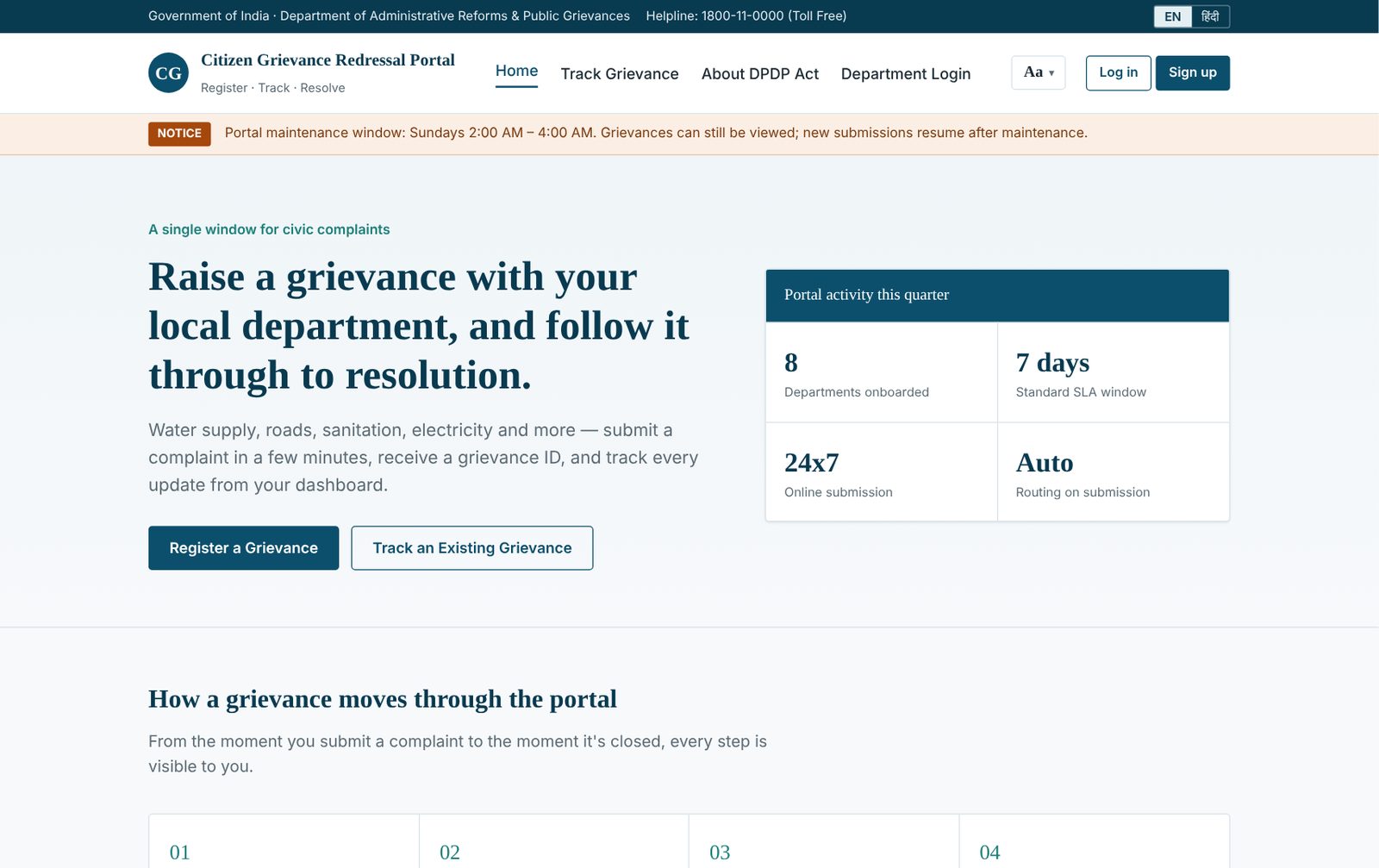
How a Grievance Moves Through the Portal
Every step is visible to the citizen and recorded against the grievance.
1. Register
The citizen signs up with a name and mobile number or email, then signs in.
2. Submit
Department, category, location, description and an optional attachment.
3. Get an ID
A structured ID such as CGRP-WTR-SND-20260901-0007 is issued instantly.
4. Officer acts
Accept, request information, transfer, resolve or reject from one queue.
5. Citizen notified
Bell notifications and toasts surface every status change on the next visit.
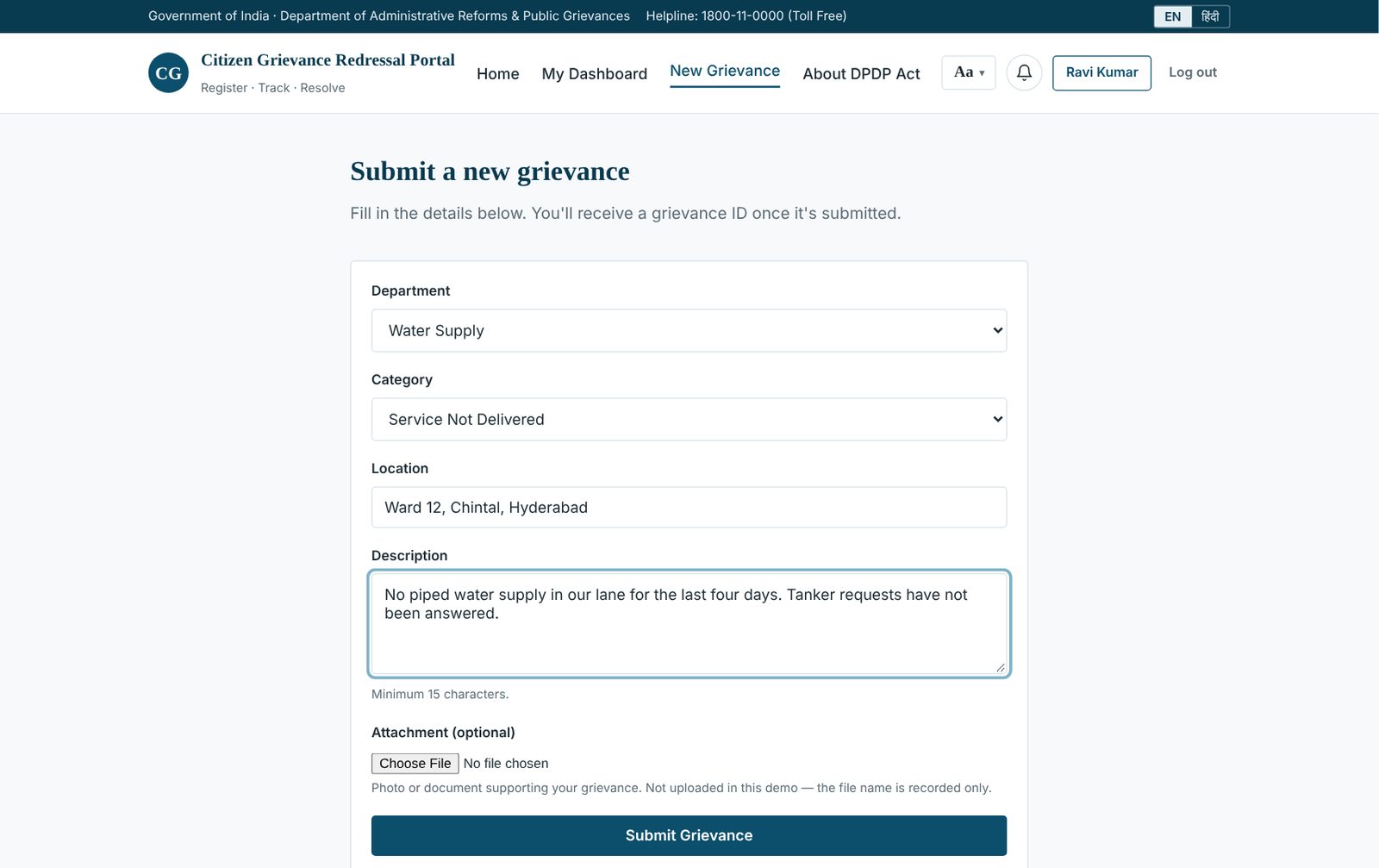
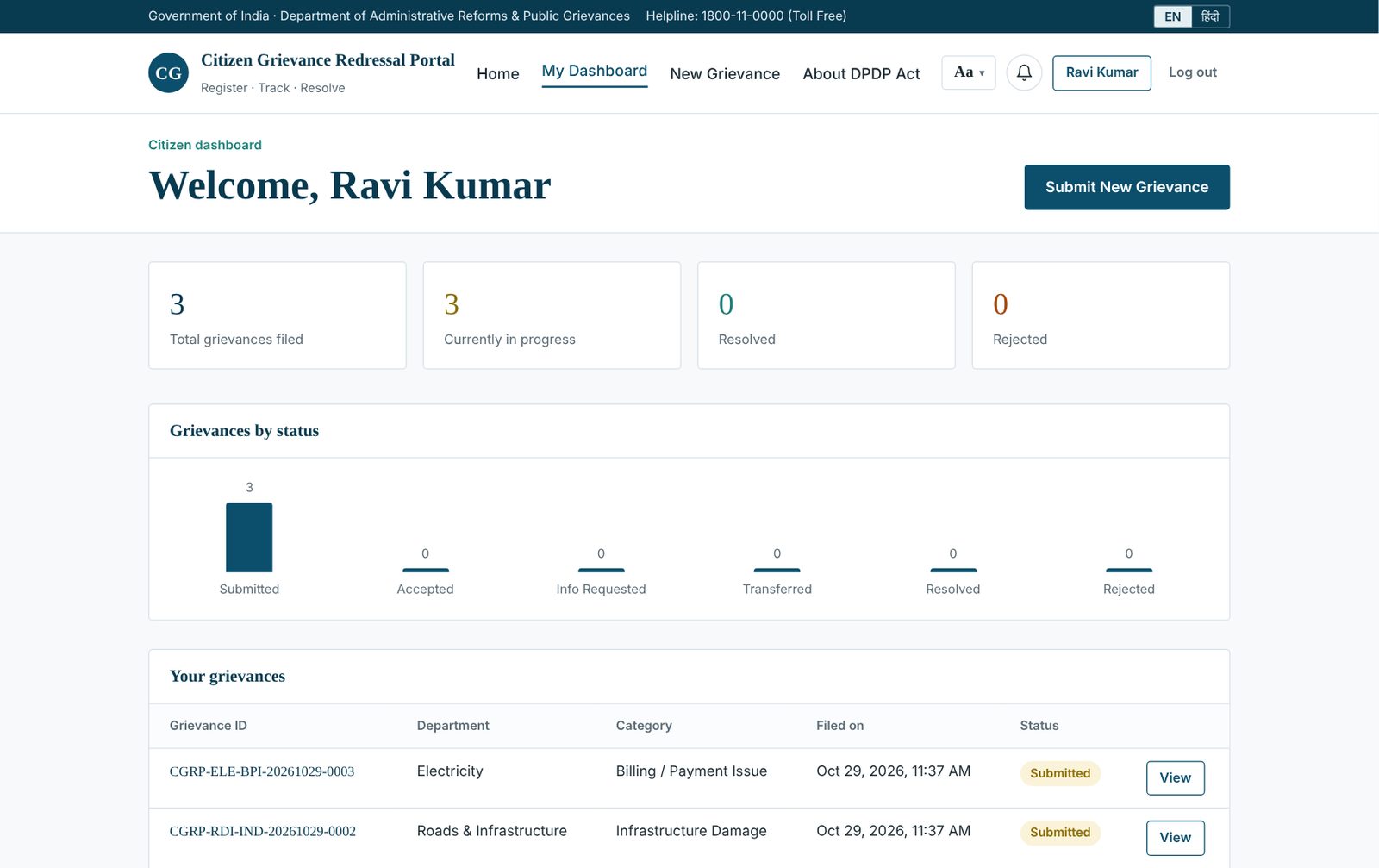
Built for Citizens
- Bilingual interface: one click switches navigation, forms, headings and statuses between English and Hindi; the choice is remembered
- Accessibility bar: skip-to-content link and a real text-size control (100% / 118% / 136%) that scales the whole page
- Personal dashboard: totals, a status chart computed live, and a table of every grievance with a timeline view
- Notifications: a bell with an unread badge and short-lived toasts for new updates since the last visit
- DPDP Act explainer: an original page on grievance redressal under Section 13 of the Digital Personal Data Protection Act, 2023
Built for Departments
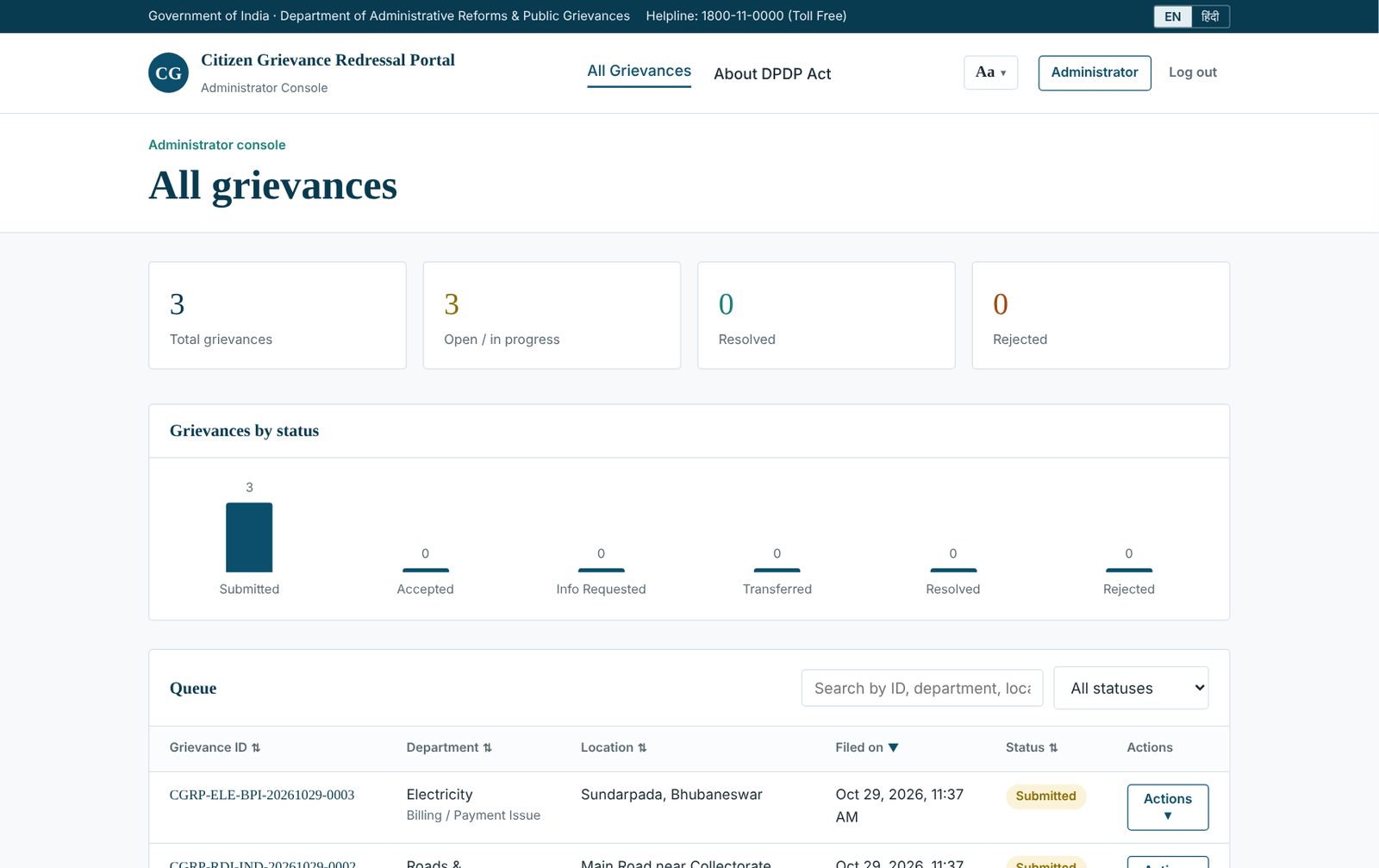
Single Queue
Search by ID, department, location or date; sort any column; filter by status.
Clubbed Actions
Accept, Request Info, Transfer, Resolve and Reject sit under one Actions menu per row.
Readable IDs
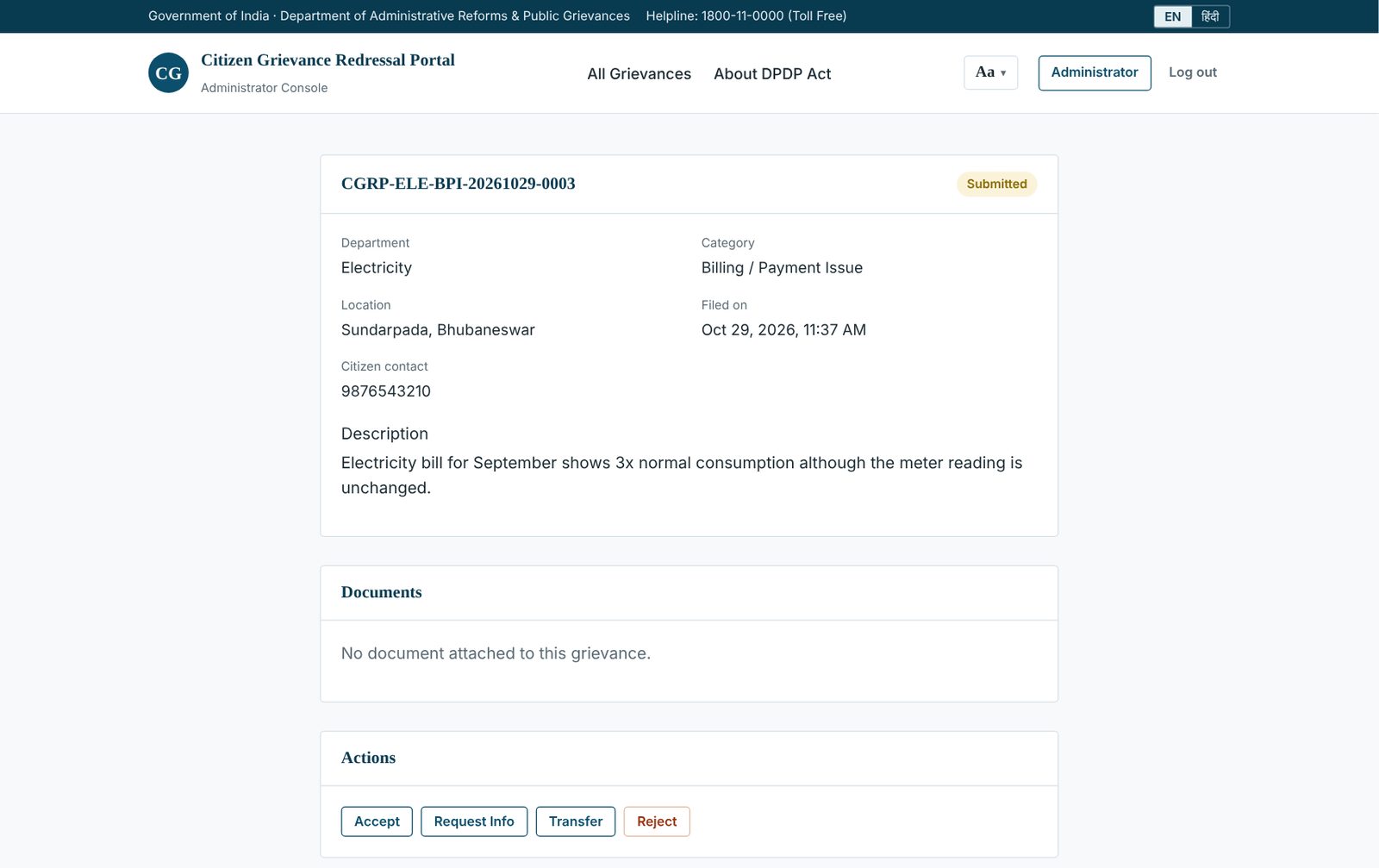
Organisation, department, category, filing date and sequence, all visible before opening the record.
Case Detail
Full record, citizen contact, description, documents panel and action buttons on one page.
Anatomy of a Grievance ID
| Segment | Example | Meaning |
|---|---|---|
CGRP | CGRP | Organisation code (configurable per ministry) |
WTR | Water Supply | Department the grievance was routed to |
SND | Service Not Delivered | Category selected at submission |
20260901 | 1 Sept 2026 | Filing date (UTC) |
0007 | 7 | Sequence number that guarantees uniqueness |
Integration API for Department Systems
| Method & path | Purpose |
|---|---|
GET /api/v1/health | Uptime check (no authentication) |
GET /api/v1/reference-data | Valid departments, categories and statuses |
POST /api/v1/grievances | Submit a grievance; idempotent retries are safe |
GET /api/v1/grievances · /:id | List / sync with filters, or fetch one grievance |
PATCH /api/v1/grievances/:id/status | Push a status change from the department |
POST / GET / DELETE /api/v1/webhooks | Manage webhooks; every delivery is signed with HMAC-SHA256 (X-CGRP-Signature) |
Project Status
| Stage | Draft 4 submitted to the government department. The department is working on its side of the API integration. |
|---|---|
| Front end | Static HTML, CSS and vanilla JavaScript; no build step. The public demo stores data only in the visitor’s own browser. |
| Back end | Reference REST API with JSON-file store, API-key authentication, idempotent submission and signed webhooks; designed to become the production backend. |
| Next steps | Wire the portal to the API, move accounts and files to a server-side store, add OTP sign-in and production hardening for live citizen use. |
Try It & Run It Locally
1. Explore the Live Demo
- Open the live demo and choose Sign up (stored only in your browser).
- Submit a grievance and note the structured grievance ID.
- Use Department Login to act on it; sign back in as the citizen to see the notification.
2. Run the Integration API
cd api
npm install
cp .env.example .env
npm start
curl http://localhost:4000/api/v1/health
Try It Yourself
Run the project live in your browser, or install the open-source build on your own machine.
Run it in your browser
Sign up as a citizen, file a grievance, then use Department Login to act on it. Everything is stored only in your browser.
RUN DEMOInstall it on your machine
Run the portal and its integration API locally with Node.js, then connect your department systems through the REST API and signed webhooks.
INSTALL THE PROJECT (OPEN SOURCE) Source code on GitHubSee It Working
Open the live demo of the citizen and department journeys, or explore the source with its OpenAPI specification.
Open Live Demo Visit Repository